 TakumiForm
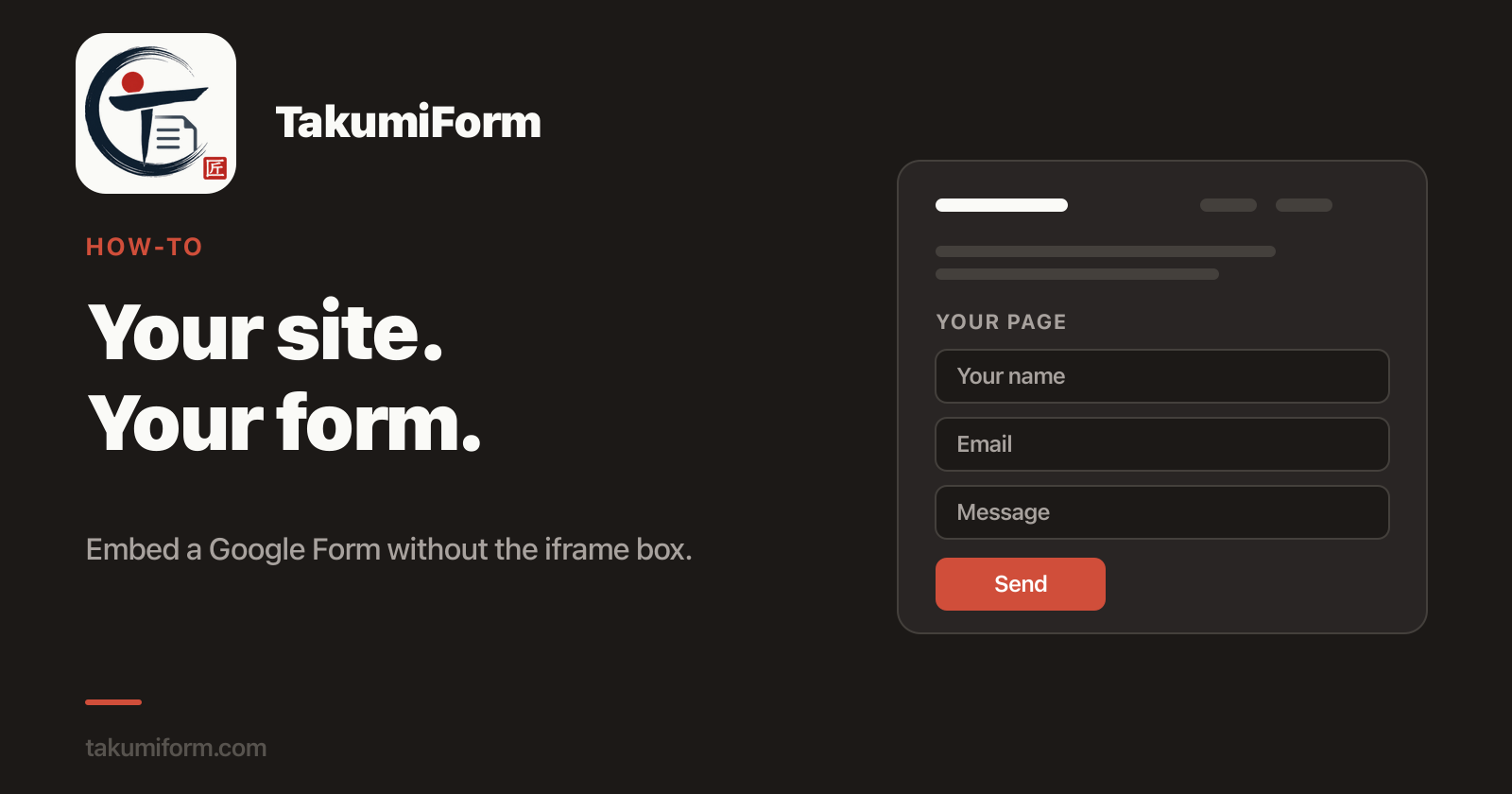
There are two ways to embed a Google Form on your website. The first takes a minute and looks like Google. The second takes five minutes and looks like you.
The Google way
- Open your form and click Send (top right).
- Click the < > tab.
- Set a width and height, then Copy.
- Paste the code into your page.
Done. It works on any site that lets you paste HTML.
Why people don’t love it
The form arrives inside a fixed box. Google’s purple header, Google’s font, Google’s buttons, sitting in the middle of your page. Pick the height too small and visitors get a scrollbar inside a scrollbar. Pick it too big and there’s a blank gap under the submit button.
On a phone it’s worse. The box doesn’t know how tall the form is, so it either clips or leaves a hole.
If the form lives on an internal page nobody outside the company sees, none of this matters. Paste it and move on. On a public page it looks like a shortcut, because it is.
The TakumiForm way
- In your form, go to Extensions → Add-ons → Get add-ons and install TakumiForm.
- Extensions → TakumiForm → Open TakumiForm, then click Connect to TakumiForm and sign in with Google.
- Click Customize, set your colors and font (or upload your logo and let it pick them), hit Save.
- Copy the snippet from the Share tab and paste it into your page.
The form matches your site, grows and shrinks to fit its own content (no scrollbar, no gap), and carries no Google branding. Responses still land in your Google Form and its linked Sheet, exactly as before. Works with WordPress, Squarespace, Webflow, Framer, and plain HTML.
The embed guide covers the optional bits: templates, lazy loading, and what happens when you edit the form on Google.
FAQ
Do I lose my Google Form? No. You keep editing it on Google. TakumiForm only changes how it looks on your site.
Do visitors need a Google account? No. They fill it in and submit, same as any other form on your site.
Does it cost anything? There’s a 7-day trial with no card. After that it’s one plan with every feature included.
Try it on one page
Pick the form that’s already on your site and swap the code. If you don’t like it, paste Google’s back.
Read more on the TakumiForm blog.