 TakumiForm
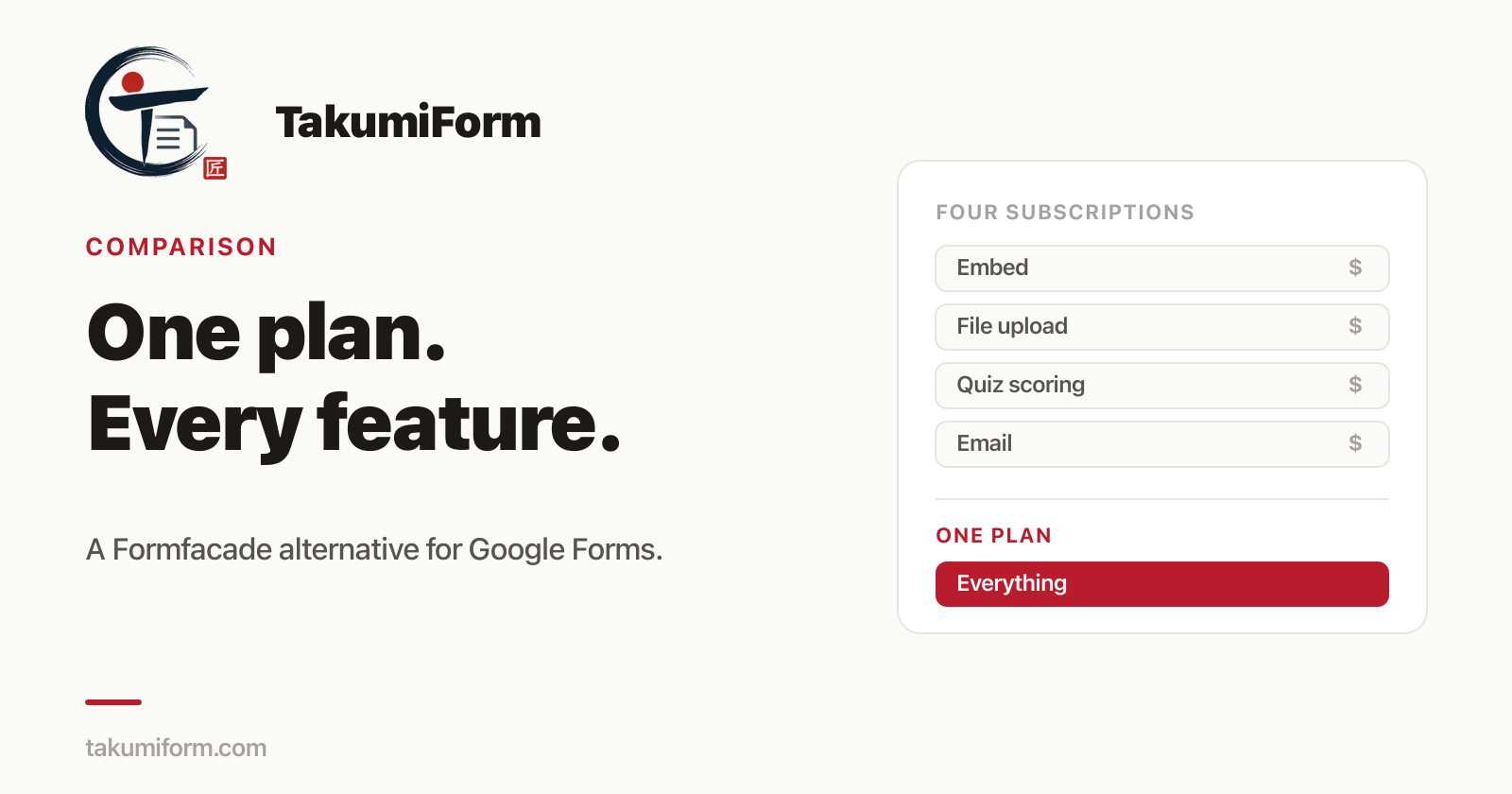
I tried to work out what Formfacade would cost me this morning. It took four pricing pages, and I still wasn’t sure I had the right number.
That is not a dig at the product. Formfacade works, it has been around a long time, and thousands of people run their Google Forms on it happily. But if you have landed here searching for a Formfacade alternative, there’s a decent chance it wasn’t the software that sent you. It was the bill.
What Formfacade actually costs
Formfacade sells its Google Forms add-ons as separate products, each with its own pricing page and its own subscription. Here is what those pages said when I checked them on 5 September 2026.
| Formfacade add-on | Monthly | Billed annually | Responses / month |
|---|---|---|---|
| Embed + Customize | $16 / $36 / $76 | $8 / $18 / $38 | 50 / 100 / 300 |
| File upload | $56 / $76 / $196 | $28 / $38 / $98 | 100 / 200 / 400 |
| Assign points (quiz scoring) | $76 / $116 / $196 | $38 / $58 / $98 | 100 / 200 / 300 |
| Email notification | $16 / $36 / $76 | $8 / $18 / $38 | 50 / 100 / 300 |
Three numbers per row because each add-on has its own Basic, Premium and Business tier. Prices change, so check those pages yourself before you decide anything. They were accurate the morning I wrote this.
Now do the arithmetic anyone with a slightly ambitious form ends up doing. Say you want your form embedded on your site and styled to match it, and you want people to attach a photo or a PDF. That’s two products. On the cheapest tier of each, that’s $16 plus $56, so $72 a month, or $36 a month if you pay for a year up front.
Add quiz scoring and you’re at $148 a month.
The problem isn’t really the price, it’s the packaging
Here’s the part that bothers me more than the total.
Every one of those subscriptions carries its own response cap, and the caps are small. The cheapest embed plan gives you 50 responses a month across all your forms combined. Not per form. All of them, together, and it resets monthly.
So you’re not just paying three bills. You’re paying three bills and still living inside the smallest cap you bought. A busy week on a single form can eat it.
If you want out of that, Formfacade’s answer is their Growth bundle, which packages everything together. It’s listed at $420 a month for 5 users and 2,500 responses. That is a real plan for a real kind of company, and if you’re that company it might be the right buy. It’s a long way from someone who just wants a nice-looking form that accepts a file.
The middle is where it gets awkward. There isn’t a version of Formfacade that says “here is the product, here is what it costs, everything is in it.”
What TakumiForm charges
That gap is the entire reason TakumiForm exists. One plan, in three sizes. Every feature is in every size. The sizes differ by volume only.
| Starter | Pro | Business | |
|---|---|---|---|
| Monthly | $19 | $39 | $59 |
| Billed annually | $9/mo | $19/mo | $39/mo |
| Responses / 30 days | 100 | 1,000 | 10,000 |
| Forms | 3 | 10 | 100 |
| File storage | 10 GB | 100 GB | 1 TB |
| Customize, embed, file upload, quiz scoring | Included | Included | Included |
There’s no add-on to buy on top, and no feature held back for a higher tier. When we ship something new, it lands in your plan at whatever size you’re already on, at no extra cost. If you’re subscribed, your rate is locked: repricing applies to new signups, not to you.
The comparison that made me sit up: Formfacade’s cheapest file upload plan alone costs $56 a month and comes with 400 responses at its very top tier. Our Business plan is $59 a month with 10,000 responses, and file upload is one of five things in it.
Side by side
Same rows, cheapest paid tier of each, monthly pricing.
| Formfacade | TakumiForm | |
|---|---|---|
| Entry price | $16/mo (embed + customize only) | $19/mo (everything) |
| Embed + upload + quiz, cheapest tier of each | $148/mo across 3 subscriptions | $19/mo |
| Responses at entry | 50 / month | 100 / 30 days |
| Bills to manage | One per add-on | One |
| Free trial | 7 days, 20 responses | 7 days, 1,000 responses |
Where Formfacade is still the better choice
I’d rather you buy the right thing than buy ours, so here’s the honest half.
Formfacade has features we don’t. Email notifications, Sheets Lookup, prefill-and-email, and electronic signatures through their Formesign product. We have none of those. If email notification is the specific job you’re hiring software for, they do it and we don’t. Buy theirs.
They’ve been doing this longer. More reviews, more forum answers, more people who have hit your exact edge case before you did. That is worth something real when you’re stuck at 11pm before a launch.
Their free trial needs no commitment either. 20 responses is tight, but it’s enough to see whether the thing works for you.
What we’re better at is packaging and price at the small-to-mid end, and the embed itself. That’s the whole pitch. If your needs sit outside it, they’re a good product.
What switching actually looks like
There’s no migration, because there’s nothing to migrate. Your Google Form stays exactly where it is, in your Google Drive, owned by you. Responses keep landing in the same Google Sheet they always did.
You sign in with Google, pick the form you want to work on, and start styling it. Every feature is unlocked for 7 days and we don’t ask for a card to start. If you decide it isn’t for you, do nothing and it ends.
The embed guide walks through putting the form on your site (there is a shorter how to embed a Google Form on your website post too), and the file upload guide covers collecting attachments without making respondents sign in to Google. If that last one is why you’re here, there’s a full walkthrough of Google Forms file upload without sign-in.
FAQ
Do I lose my Google Form if I switch? No. TakumiForm sits on top of your existing form. It stays in your Drive under your account, and you can stop using us at any point and still have it.
Is there a free plan? No, and we’d rather say that plainly than bury it. There’s a 7-day trial with every feature unlocked and no card required. After that it’s $9 a month on annual billing. A permanent free tier isn’t something we plan to add.
What happens when the trial ends? Your form keeps collecting responses through Google as normal. The TakumiForm layer stops until you subscribe.
Can I use TakumiForm and Formfacade at the same time? Technically yes, since both are add-ons on top of Google Forms. Practically it’s confusing, and you’d be paying twice. Pick one.
Do responses still go to my Google Sheet? Yes. Submissions go through Google Forms the same way they always have, so anything already reading that sheet keeps working.
Are these prices going to be out of date? Probably, eventually. Everything above was checked on 5 September 2026 against Formfacade’s own pricing pages, which are linked. Ours are always current on the pricing page.
One plan, three sizes
If you came here because the add-on math stopped making sense, that’s the thing we set out to fix. Every feature, one bill, three sizes.
Start with the 7-day trial. No card, and you’ll know inside an afternoon.
Read more on the TakumiForm blog.