 TakumiForm
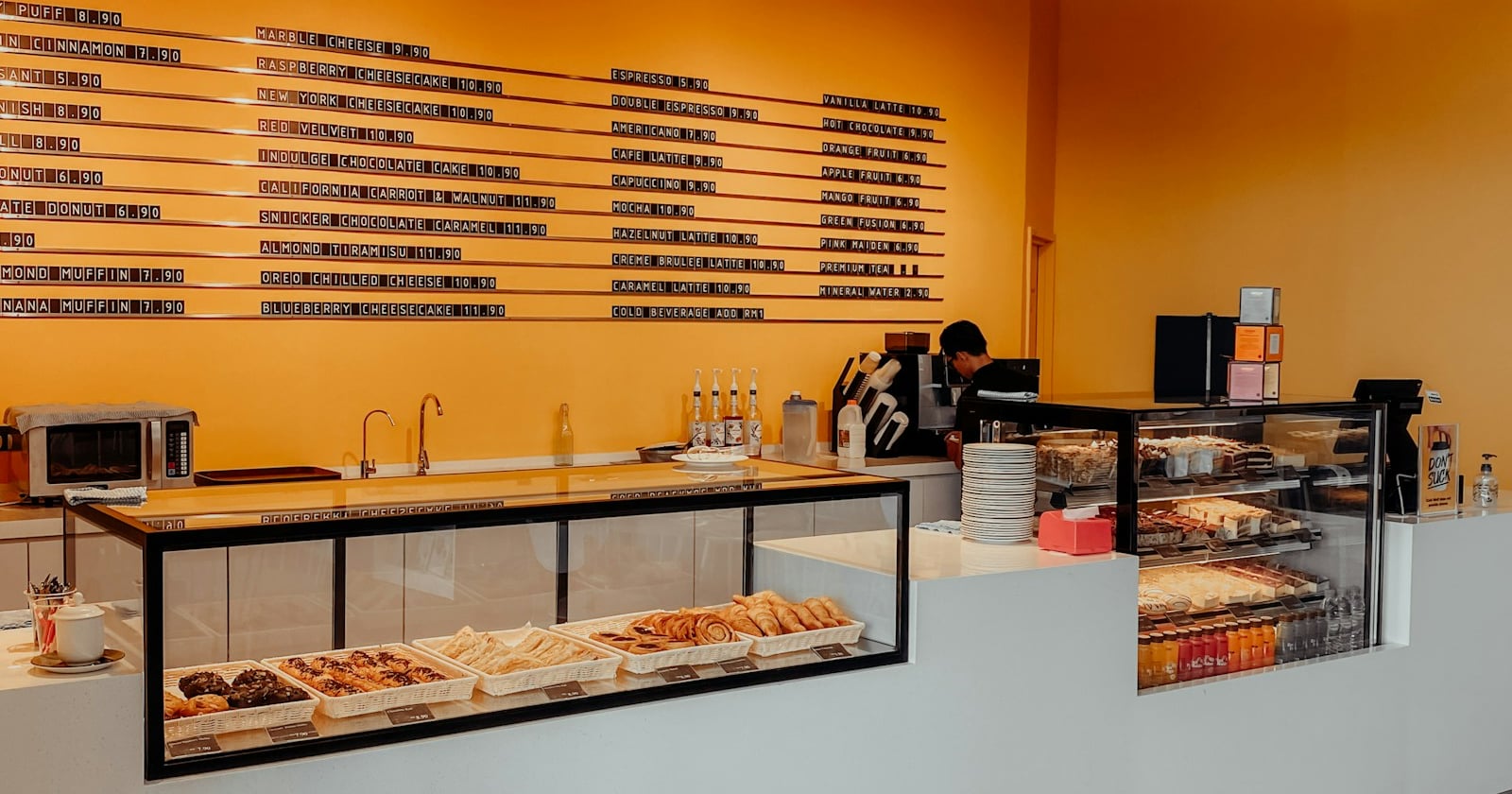
Friday night, the WhatsApp orders start. “2 boxes of the brownies, pick up Sunday?” “Is the nasi lemak set still on, how much is it now?” “Did you get my order?” By Saturday you have a notes app full of names and a bad feeling that one of them got lost. A Google Form fixes most of that in an afternoon, and it’s free.
You can make an order form in Google Forms in about ten minutes: one Checkboxes or Multiple choice question per menu category with the price written at the end of each option, a Short answer number question for quantities, a Date question for pickup, and a section for the customer’s name and phone number. Google Forms won’t add up a total or take payment, and the bare form link makes a thin storefront. TakumiForm, a Google Forms add-on by Pawaka Labs, turns that same form into a one-page menu site at an address like yourbakery.takumiform.com, with the prices read straight from your options. Google’s support pages checked 15 October 2026.
Here’s the build, in order: what Google Forms can and can’t do for orders, the form itself step by step, prices, payment, and then the page.
Can you use Google Forms as an order form?
Yes, and plenty of home bakers, weekend food stalls and small shops do. It’s free, it works on a phone, and every order lands as a row in a Google Sheet with a timestamp, which already beats scrolling back through chats.
What it won’t do is maths or money. Google’s list of question types runs short answer, paragraph, multiple choice, checkboxes, dropdown, file upload, linear scale, rating, two kinds of grid, date and time. There’s no price field, no quantity field that multiplies anything, no running total and no payment step. The price lives in the text of each option, the total is something you work out from the Sheet, and the money changes hands somewhere else (at pickup, by transfer, or through a link you send back).
Knowing that up front shapes the whole form. You write the questions so that the answer is the price, and you keep the arithmetic for yourself.
How do I make an order form in Google Forms?
-
Go to forms.google.com and start a blank form. The template gallery has an Order Form under Work, but it’s a generic layout and you’ll replace most of it anyway.
-
Title and description. Put the practical stuff in the description, because it’s the one piece of text everybody reads: which days you take orders, when pickup is, how you confirm (“we’ll WhatsApp you to confirm”) and how you take payment.
-
One question per menu category. Use Checkboxes when people can pick several things (mains, drinks, add-ons) and Multiple choice when they pick exactly one (cake size, delivery slot). Write the price at the end of every option:
Nasi lemak ayam goreng (RM 12),Flat white ($4.50),Box of 6 brownies - RM 18. The customer sees the price as they choose, the Sheet records it next to the item, and the menu page in the last section of this post reads it from exactly this spot. -
Quantities. For anything people buy more than one of, add a Short answer question under the item (“How many boxes?”) and give it a number rule: open the question’s More menu (the three dots), choose Response validation, pick Number, then Between 1 and however many you can make. Google’s rules page lists the options.
A simpler trick for a short menu: skip the quantity question and sell sizes as options,
Cookies, box of 6 (RM 18)andCookies, box of 12 (RM 32). One tap, no typing, no “I meant 2 boxes, not 12”. -
Cap the picks. On a Checkboxes question, Response validation also offers Select at most, so “choose up to 3 toppings” is enforced by the form rather than by a polite note nobody reads.
-
Pickup or delivery. A Multiple choice question with the two options, then a Date question for the pickup date and a Time question for the slot. If you deliver, a Short answer for the address.
-
Add a section for the customer’s details. Click Add section and call it “Your details”: name (required), phone or WhatsApp number (required), and a Paragraph question for notes (“allergies, less spicy, extra sambal”). Keeping these in their own section leaves the menu on one screen, and the page you build later uses that break to tell where the menu ends and the form begins.
-
Settings worth touching. In Settings, under Responses, leave Collect email addresses on Do not collect if you confirm orders by phone or WhatsApp. Switch it to Responder input only if you want Google to email each customer a copy of their order (Send responders a copy of their response then unlocks and can be set to Always), and only if you’ll share the plain form link; the site in the last section needs it off. Avoid Verified: it makes every customer sign in to a Google account, and so does Limit to 1 response, which also locks out your repeat customers. The sign-in traps are covered in How to make a Google Form anonymous.
-
Where the orders go. Open the Responses tab and click Link to Sheets so every order is a row. In the same tab, open More and tick Get email notifications for new responses, so a new order pings your inbox. Both are on Google’s responses page.
-
Close the form when you’re full. This is newer, and most guides miss it. In a published form, click Published at the top right. Under Accepting responses you can close the form On a date (pick the date and time) or After a number of responses (enter the maximum), and write the message customers see once it’s shut (“Sold out for this weekend, back Thursday”). Taking 40 orders this Sunday? Set the limit to 40 and stop refreshing the Sheet. The count is responses, not boxes, so it caps orders rather than items.
-
Test it on your phone. Place a fake order, check the row in the Sheet, make sure the notification arrived, then share the link.
That’s a working order form. Now the two questions everyone asks next.
How do I show prices in a Google Forms order form?
In the option text, at the end, every time. Google Forms has no price field, so the option is the only place the number can live where the customer sees it and the Sheet records it. Keep one format across the whole form (Teh tarik (RM 3) on every line, not RM3 teh tarik on one and Teh tarik - 3 on the next), keep the currency in, and don’t bury prices in the question description, where they’re easy to miss on a phone and never reach the Sheet at all.
What you won’t get is a total. Three honest ways to handle that:
- Total it yourself. For a small menu it’s a one-column formula in the Sheet, or a glance at the row before you reply to confirm. Most weekend businesses never need more than this.
- Make the choice carry the price. Sizes and bundles as options (box of 6, box of 12, set for two) mean the row already reads like a bill.
- A payment add-on. Add-ons such as Neartail and Payable Forms bolt a calculated total and card payment onto a Google Form. They’re a separate subscription on top of Google Forms, and the card processor’s fees apply on every order.
Verdict: price in the option text, every option, one format. It’s the only thing Google records cleanly, and it’s exactly what TakumiForm reads to turn your form into a menu.
How do customers pay on a Google Forms order form?
Not inside the form. There’s no payment question type, so the form takes the order and payment happens one step later. What works in practice:
- Pay at pickup. The default for most food and bakery orders. Say so in the description.
- Bank transfer or a QR code. Put the details in the confirmation message (Settings, then Presentation, then Confirmation message) so the customer sees them the moment they submit.
- A payment link. If an app you already use gives you payment links, paste one into your “order confirmed” reply.
TakumiForm doesn’t take payments either. It keeps the form in Google Forms and leaves the money where you handle it today.
Verdict: take the order in the form and the money at pickup or by transfer. TakumiForm works the same way, so nothing about that changes when you add it.
Why a bare Google Form link makes a thin storefront
The form works. The problem is everything around it.
The link in your Instagram bio opens on a Google header with your menu as a list of checkboxes. There’s no photo of the food above it, no opening hours, no address, no map, no “WhatsApp us” button, and nobody will ever find it through a Google search, because a form isn’t a web page. Every customer arrives already knowing who you are, or not at all.
The usual answer is “build a website”, which for a weekend bakery means a site builder subscription, a template, and an afternoon retyping the menu you already put in the form. Then you embed the form in the site, and the two drift apart the first time a price changes.
How do I turn a Google Forms order form into a menu page?
With TakumiForm’s Sites feature, the form you just built is the website. Connect the form, give it an address, and it’s published as a one-page site at yourbakery.takumiform.com, styled to match the form, with the prices read straight from your options.
What ends up on the page, from the form as you built it above:
- The title and description become the headline and tagline. You can override both.
- Every priced Checkboxes or Multiple choice question becomes a menu list, one entry per option with its price, and stays in the form for people to actually pick from.
- Images and videos you add to the form become a gallery and an embedded player.
- A section with only questions after it, like “Your details”, stays inside the form. That’s why step 7 matters.
- A Date or Time question sets the button text to “Book now” by default. For an order form you’ll want to rename it “Order now” on the Site tab.
The setup:
- Install the add-on and connect the form (the getting started guide walks through it), choosing Build a site from this form in the add-on window.
- In the dashboard, open the form’s Site tab and pick an address. It’s checked as you type: lowercase letters, numbers and hyphens, 3 to 40 characters.
- Fill in the hero (headline, tagline, button text, a photo up to 4 MB) and your Business details: address, phone, WhatsApp, email, opening hours, price range, cuisine. They appear as a contact block with a map, and they’re published as structured data, so search engines can list you as a restaurant, café, bakery or store with your hours and menu.
- Pick a template, filtering by business type, preview it over your own content, then Save and publish.
Starting from nothing? The add-on’s Start from a template writes a ready-made order form into an empty Google Form: menu questions with sample prices, an about section, sample photos and a contact section. Edit the names and prices in Google Forms as usual, and the site follows.
Orders don’t move. Each one still arrives in your Google Form and the linked Sheet the way it did before, so the Sheet keeps filling and the new-response email from step 9 keeps firing. Edit a price in Google Forms, sync, and the menu on the site updates with it. Close the form at 40 responses and the site’s form closes with it, because the form’s own rules apply inside the site (the site re-reads the form within the hour, or straight away when you hit Sync).
Two things to set straight before you publish. Keep Collect email addresses on Do not collect; a sign-in requirement would stop customers at the door, and the site confirms orders by the phone number they type. And the site carries a small “Made with TakumiForm” line in the footer, which the branding switch on the Customize tab removes on every plan.
Sites is included in every TakumiForm plan, from $9 a month billed annually, and in the 7-day trial, which needs no card. Every site lives at an address ending in takumiform.com.
Verdict: if you’d rather not build and maintain a separate website for a menu you’ve already typed into a form, TakumiForm’s site is the shortest route from order form to shop page. The Sites guide has the full mapping table.
FAQ
How do I make an order form in Google Forms? Start a blank form, add one Checkboxes or Multiple choice question per menu category with the price at the end of each option, a Short answer question with a number rule for quantities, a Date question for pickup, and a final section for the customer’s name and phone number. Link the responses to a Sheet, turn on email notifications, and close the form on a date or after a set number of responses. TakumiForm can then publish the same form as a one-page menu site at an address like yourbakery.takumiform.com.
Can Google Forms calculate a total for an order? No. There’s no price field and no running total. Put the price at the end of each option so the Sheet records it with the item, then total the row yourself or sell sizes and bundles as options so the choice already carries the price. TakumiForm doesn’t calculate totals either; it turns the priced options into a menu page.
Can I take payment in a Google Forms order form? Not inside the form. Google’s question types include no payment type, so the form takes the order and payment happens at pickup, by bank transfer, or through a link you send with the confirmation. Payment add-ons exist as a separate subscription on top of Google Forms. TakumiForm doesn’t take payments either.
How do I limit the number of orders in Google Forms? In a published form, click Published at the top right, then under Accepting responses choose After a number of responses and enter the maximum, or On a date and pick a date and time. You can write the message customers see once it’s closed. The limit counts responses, not items.
How do I add prices to a Google Forms order form?
Write the price at the end of the option text, in the same format on every option: Nasi lemak (RM 12), Flat white ($4.50). A price in the question description never reaches your Sheet. TakumiForm reads a price written this way to build the menu on your site.
Do I need a website to take orders with Google Forms? No, you can share the form link directly. It’s a thin storefront, though: no photos, hours, address or map, and search engines don’t list a form. TakumiForm publishes the same form as a one-page site at yourname.takumiform.com, with a menu built from your priced options, a contact block with a map and WhatsApp link, and the form as the order button. It’s included in every plan and in the 7-day trial.
Does TakumiForm change where my orders go? No. Each order still arrives in your Google Form and the linked Google Sheet exactly as before. Edit a price in Google Forms and sync, and the menu on the site updates with it.
Take the order in the form, not the chat
A Google Form with prices in the options, a quantity rule, a pickup date and a close-at-40 limit is a better order book than any group chat, and it costs nothing. When the link starts feeling thin, give the same form an address and a page of its own.
Read more on the TakumiForm blog.
Cover photo by Evonne Yuwen Teoh on Unsplash.