 TakumiForm
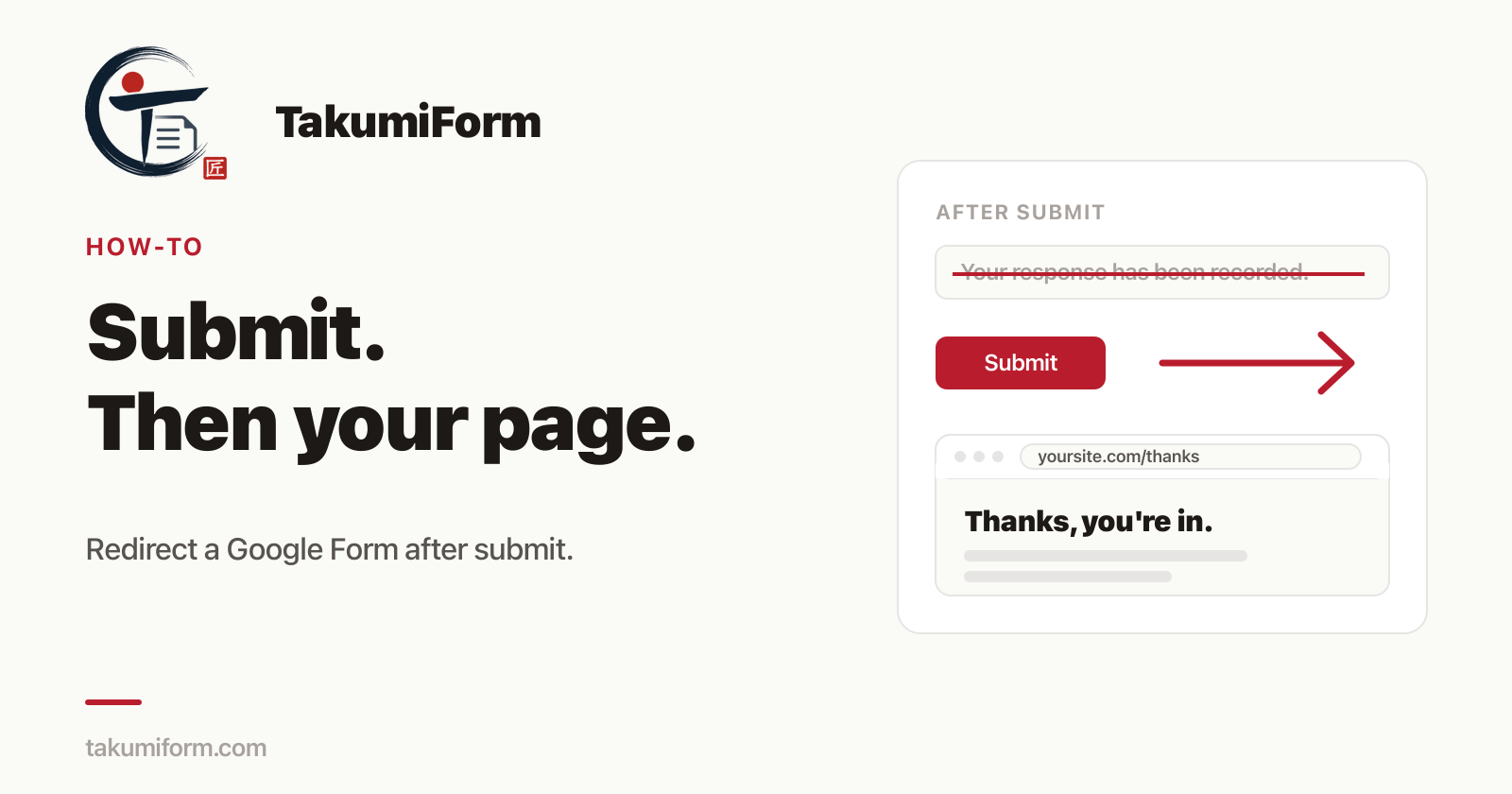
Someone fills in your Google Form, clicks Submit, and lands on a grey page that says “Your response has been recorded.” That’s the end of the road. No thank-you page on your site, no “book a call” button, no download link, nothing.
If you searched for “Google Forms redirect after submit”, you already know the punchline: there is no redirect setting. Google Forms has never had one. This post goes through what you can do instead, from the free workarounds to the one that actually behaves like a real redirect.
Why Google Forms can’t redirect after submit
The confirmation screen is a Google page. Your form is hosted on docs.google.com, so after a submit the browser is on Google’s domain, and Google gives you exactly one thing to control there: the confirmation text.
You’ll find it under Settings → Presentation → Confirmation message. You can change the words. You can’t change where the respondent is.
Apps Script doesn’t help either, which surprises people. An onFormSubmit trigger runs on Google’s servers after the response is saved. It can send an email or write to a Sheet, but it has no connection to the respondent’s browser, so it can’t move them anywhere.
Workaround 1: put a link in the confirmation message
The simplest option. Paste a URL into the confirmation message and Google turns it into a clickable link:
Thanks for signing up. Download your guide here: https://example.com/guide
It costs nothing and takes ten seconds. The catch is that it’s a link, not a redirect. The respondent has to notice it and click it, and plenty won’t. If the page after the form is the whole point (a download, a payment, a calendar), you’ll lose a chunk of people at the “Your response has been recorded” screen.
Fine for a “follow us on Instagram” nudge. Not fine for anything that matters.
Workaround 2: the iframe load-counting trick
This one has been passed around forums for years. You embed the Google Form on your own page inside an iframe, then add a small script that counts how many times the iframe loads. The first load is the form. The second load is Google’s confirmation page. When the counter hits two, the script sends the visitor to your thank-you URL.
It does work, sometimes. It also breaks in ways that are hard to spot:
- A form with sections loads the iframe again on every “Next”, so the redirect fires halfway through the form.
- A validation error (“this field is required”) can reload the frame and trigger it early.
- The respondent still sees Google’s confirmation page flash by first.
- You need to be comfortable pasting JavaScript into your site, and some site builders won’t let you.
If you have a single-section form on a site where you control the code, it’s a workable hack. If you have anything more than that, you’ll spend a weekend on it.
Workaround 3: a Google Forms add-on with a redirect option
The third route is an add-on that renders your Google Form on its own page instead of Google’s, and gives you a redirect field. The form stays yours on Google, the responses still land in your Google Form and its linked Sheet, but the page the respondent sees belongs to the add-on, so it can send them wherever you like after submit.
Formfacade has done this for a while, as one of its paid options. TakumiForm does it as part of the customize editor, in the same plan as everything else.
How to redirect after submit with TakumiForm
- In your Google Form, go to Extensions → Add-ons → Get add-ons and install TakumiForm.
- Extensions → TakumiForm → Open TakumiForm, then click Connect to TakumiForm and sign in with Google.
- Click Customize. Scroll down to Redirect URL and paste the page you want people to land on, for example
https://example.com/thanks. - Hit Save.
That’s the whole job. From now on, anyone who submits the form is taken straight to that page. No confirmation screen, no link to click, no load counting.
It works in both places your form can live: the shareable TakumiForm page you send around, and the embed on your own website. In the embed, the redirect moves the whole page, not just the form box, so the respondent ends up on your thank-you page properly rather than inside a small frame.
A couple of details worth knowing:
- The URL has to start with
https://. That’s deliberate, since the redirect navigates the visitor’s browser and we’d rather not send anyone somewhere insecure. - Setting a redirect replaces the thank-you message. If you’d rather keep people on the form page with a custom message and a “Submit another response” button, leave the redirect empty and edit the Thank-you message field instead.
- Your Google Form is untouched. Anyone who opens the original docs.google.com link still gets Google’s confirmation page. The redirect only applies to the TakumiForm version.
What to put on the page after the form
Since you now have a real page instead of a grey box, use it:
- A download. Put the PDF, template, or checklist on the thank-you page instead of hoping people click a link in the confirmation text.
- The next step. A booking calendar, a payment link, a WhatsApp button, a “join the group” link.
- Your own tracking. A dedicated
/thankspage is the easiest way to count conversions in your analytics, because a Google-hosted confirmation screen never shows up there. - A bit of reassurance. “We’ll reply within one working day” does more for a nervous applicant than “Your response has been recorded.”
FAQ
Can Google Forms redirect to another URL after submit? Not on its own. There’s no setting for it and Apps Script can’t do it either. You can add a link to the confirmation message, use the iframe trick on your own site, or use an add-on like TakumiForm that renders the form on a page it controls.
Does the redirect change anything in my Google Form? No. Questions, responses, and the linked Sheet all stay exactly as they are. The redirect only affects the TakumiForm page and embed.
Can I redirect to a different page depending on the answer? Not yet. It’s one redirect URL per form. If you need to send quiz passers and failers to different places, the pass/fail messages in quiz scoring are the current answer.
Does it work on WordPress, Squarespace, or Webflow? Yes. The embed snippet works on any site that lets you paste HTML, and the redirect moves the top-level page on all of them.
Is there a free plan? There’s a 7-day trial with no card, and every feature is included in it. After that it’s one plan with everything in it, in three sizes.
Stop losing people at the confirmation screen
Set the redirect once, and every submit ends on a page you designed instead of one Google did.
Read more on the TakumiForm blog.