 TakumiForm
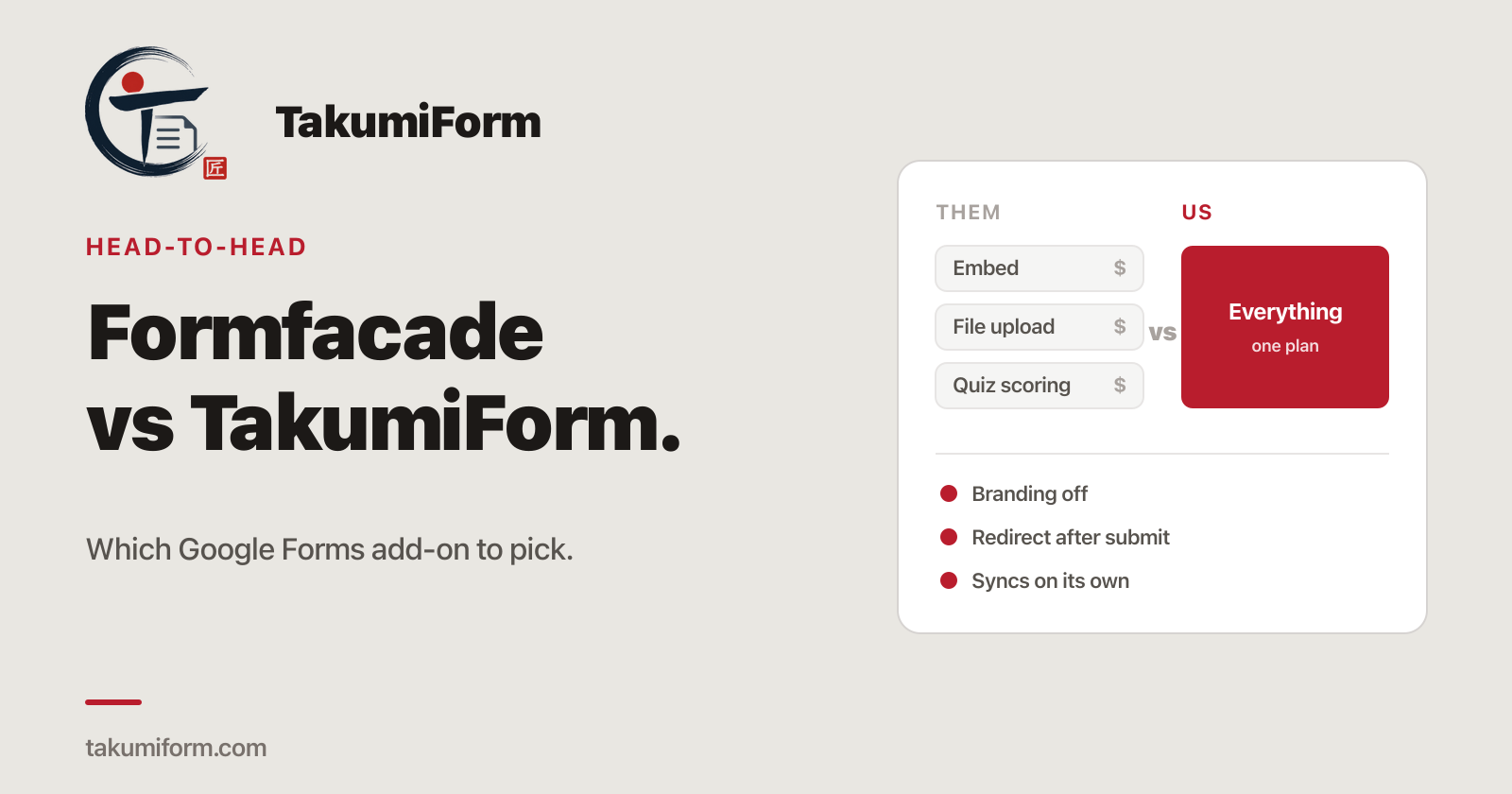
If you’re comparing Formfacade vs TakumiForm, you’ve already made the important decision: you’re keeping Google Forms and adding something on top of it. Good. Both of these are add-ons that restyle your form, put it on your website, and leave your responses in the same Google Sheet they’ve always landed in. What’s left is packaging and price, and that’s what this post is about.
We make TakumiForm, so read accordingly. What we can do is show the maths, link Formfacade’s own pages, and date the claims. Every Formfacade figure below was re-checked on 13 September 2026.
We wrote a broader Formfacade alternative post last week. This one is narrower: just the two products, side by side.
What Formfacade actually costs
Formfacade is a family of add-ons, each sold on its own. Customize UI handles layout and styling. Embed in website, which puts the form on your own site with your branding instead of Google’s, is a separate one. File upload is a third product. Assign points for quiz scoring is a fourth. Each has its own tiers and its own monthly response cap.
| Add-on | Cheapest tier | Responses / month | Top tier | Responses / month |
|---|---|---|---|---|
| Customize UI | $16/mo ($8/mo annual) | 50 | $76/mo ($38/mo annual) | 300 |
| Embed in website | $36/mo ($18/mo annual) | 100 | $116/mo ($58/mo annual) | 500 |
| File upload | $56/mo ($28/mo annual) | 100 | $196/mo ($98/mo annual) | 400 |
| Assign points | $76/mo ($38/mo annual) | 100 | $196/mo ($98/mo annual) | 300 |
Two details from those pages worth knowing. The caps count responses across every form on your account, not per form. And every tier of the embed plan lists “Formfacade branding” as part of what you get. Prices re-checked 13 September 2026.
What TakumiForm charges
One plan, three sizes. Every feature is in every size, and the sizes only differ by volume.
| Starter | Pro | Business | |
|---|---|---|---|
| Monthly | $19 | $39 | $59 |
| Billed annually | $9/mo | $19/mo | $39/mo |
| Responses / rolling 30 days | 1,000 | 10,000 | 100,000 |
| Forms | 3 | 10 | 100 |
| File storage | 10 GB | 100 GB | 1 TB |
| Customize, embed, file upload, redirect, quiz scoring, branding off | Included | Included | Included |
The caps also work differently. Formfacade’s are calendar-month buckets per add-on. TakumiForm counts one rolling 30-day window across your whole account, so there’s no reset date and capacity comes back on its own as old submissions age out. Current numbers are always on the pricing page.
What that means for a real form
Say you run a customer-facing form on your website and need people to attach a file. On Formfacade that’s Embed at $36 plus File upload at $56, so $92 a month, with 100 embed responses. On TakumiForm it’s Starter at $19 a month, with 100 responses and 10 GB of storage. Add quiz scoring on the Formfacade side and the bill is $168 a month against the same $19.
If all you want is a restyled form on Formfacade’s own link, its $8 a month annual Customize UI tier is the cheapest single line in this whole post. That’s the honest shape of it: cheaper for one feature, more expensive the moment you want two.
Formfacade vs TakumiForm, feature by feature
| Formfacade | TakumiForm | |
|---|---|---|
| Keep your Google Form and Sheet | Yes | Yes |
| Custom colors, fonts, layout | Yes, plus a custom CSS box | Yes, plus themes built from your logo’s colors |
| Hide vendor branding | Listed as included on every tier | Off on every plan and the trial |
| Embed on any site | Yes | Yes, one script snippet, sizes to content |
| Redirect after submit | Yes | Yes, shareable form and embed |
| File upload without Google sign-in | Separate add-on from $56/mo | Every plan |
| Quiz scoring | Separate add-on from $76/mo | Every plan |
| Email notifications | Yes | No |
| Form edits sync | Yes, with a documented sync step | When you open the add-on in your form |
| Trial | 7 days, 20 responses | 7 days, 10,000 responses, no card |
| Bills to manage | One per add-on | One |
A few of those rows deserve a sentence.
Customizing. Both let you change colors, fonts and layout, and Formfacade adds a custom CSS box. TakumiForm goes the other way: upload your logo and it reads the brand colors out of it, then builds light, tinted and dark themes checked for readable contrast. You tweak from there in a live preview. We haven’t shipped raw CSS yet, on purpose. The knob set covers what nearly everyone asks for, and it can’t break your form.
Branding. When we checked on 13 September 2026, every tier on Formfacade’s embed pricing page listed its branding as a line item. TakumiForm has a switch in the customize editor that removes the “Created with TakumiForm” footer, and it works on every plan, trial included.
File upload. Google Forms only accepts attachments from signed-in Google users, which rules out most of the public. Both tools work around it with their own upload fields. On Formfacade that’s a separate subscription with its own cap. On TakumiForm the fields are in every plan and the files show up as thumbnails in your responses inbox. The file upload guide has the setup, and there’s a walkthrough of Google Forms file upload without sign-in if you want the long version.
Redirect. Both support sending people to your own thank-you page. On TakumiForm it’s one field in the customize editor and it works from the shareable form and inside the embed. We covered the usual setups in Google Forms redirect after submit.
Sync. Edit a question in Google Forms and you want the embedded version to follow. Formfacade documents a sync step for it. TakumiForm picks up your edits when you open its add-on from the form’s Extensions menu, or press Sync now in it. Nothing to republish, but it isn’t automatic either: there’s no background sync.
Where Formfacade is still the better choice
Here’s the half we’d want to read if the roles were reversed.
Formfacade has features we don’t. Email notifications on submit, Sheets Lookup, prefill-and-email, and electronic signatures through their Formesign product. If one of those is the job you’re hiring software for, they do it and we don’t.
They’ve been at it longer. More reviews, more forum threads, more people who hit your edge case before you did. That matters at 11pm the night before a launch.
Embed-only on a quiet form is cheaper with them. $8 a month annual for 50 responses beats our $9 for 1,000 if you’ll genuinely never need anything else and don’t mind their footer on the form.
Everywhere else, the comparison tilts our way: two or more features, more than 50 responses in a busy month, or a form you don’t want another company’s logo on.
What switching actually looks like
Nothing moves, because your form never left Google. Sign in with Google, pick the form, upload your logo, set the redirect and any upload fields, then paste the TakumiForm snippet where the Formfacade code was. The embed guide covers each platform. Every feature is unlocked for 7 days and we don’t ask for a card.
If you’re mid-campaign, leave both live for a day. Either path writes to the same Sheet, so nothing is lost while you check.
FAQ
Formfacade vs TakumiForm: which is better? For most Google Forms owners, TakumiForm. It includes customizing, embedding, file upload without sign-in, redirect and quiz scoring in one plan from $9 a month, with no vendor branding. Formfacade sells those as separate add-ons with separate caps. If all you want is its Customize UI add-on on a low-traffic form, or you need email notifications, Formfacade is the better fit.
Is TakumiForm cheaper than Formfacade? Once you need two features, yes. Embed plus file upload is $92 a month on Formfacade and $19 a month on TakumiForm Starter ($9 a month billed annually). Formfacade is cheaper only if all you want is its Customize UI add-on on its own, at $16 a month; its Embed add-on alone is $36 a month against TakumiForm’s $19.
Does Formfacade have a free plan? No. It’s a 7-day trial with 20 responses, then paid from $16 a month. We don’t have a permanent free tier either. Our 7-day trial unlocks everything with a 10,000-response allowance and asks for no card.
Do I lose responses if I switch? No. Both submit into Google Forms, so every response stays in your Google Sheet. Swap the embed snippet and you’re done.
Does TakumiForm remove its branding? Yes, on every plan and during the trial. Formfacade’s embed pricing listed its branding on every tier when we checked in September 2026.
Are these prices going to go out of date? Probably, eventually. Everything here was re-checked on 13 September 2026 against Formfacade’s pricing pages, which are linked above. Ours are always current on the pricing page.
One add-on, one bill
If you’ve been adding up Formfacade pricing pages, TakumiForm is the version where you stop. Every feature, one plan, and the Google Form you already built.
Start with the 7-day trial. No card, and you’ll know inside an afternoon.
Read more on the TakumiForm blog.